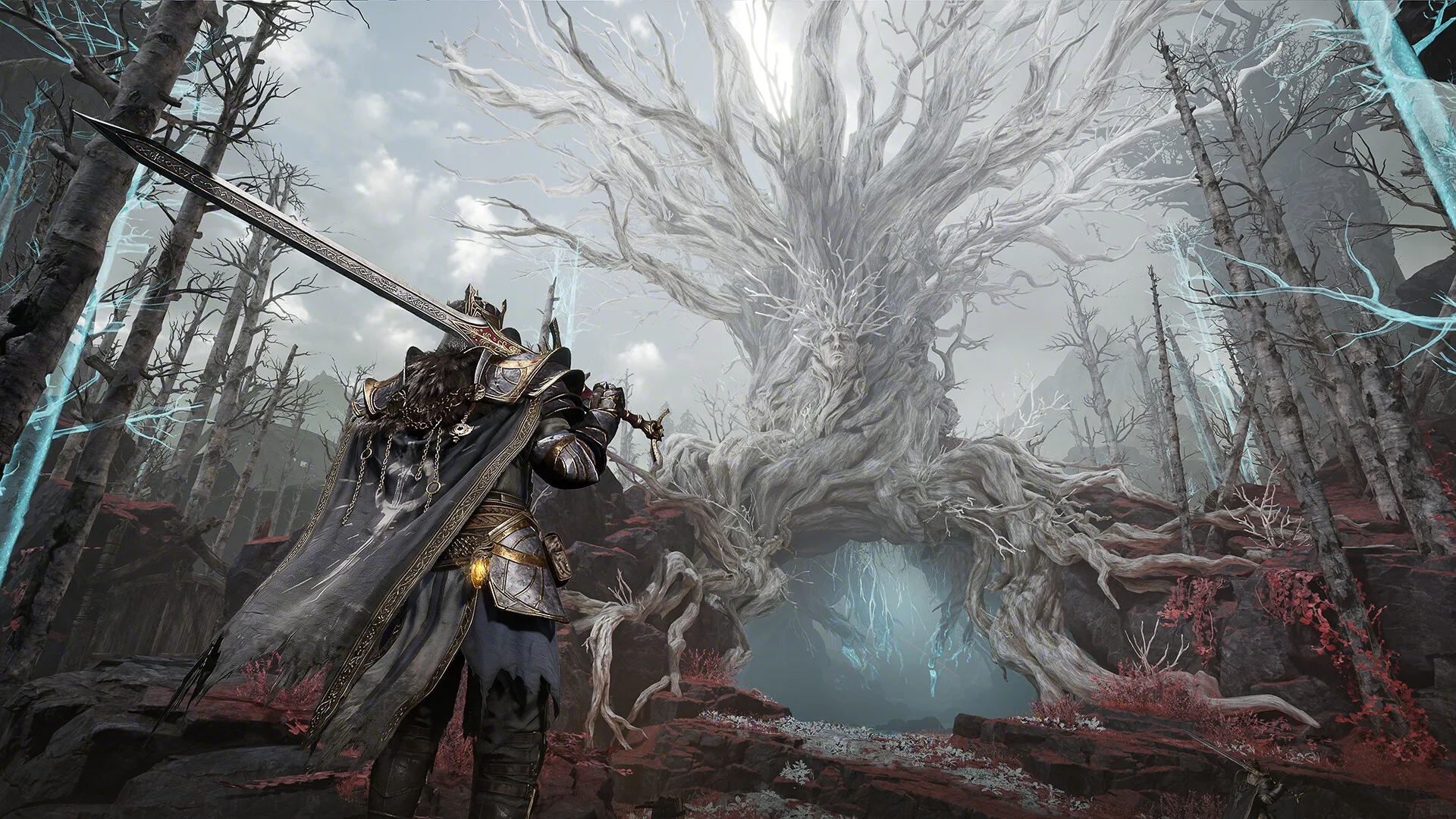
Mistfall Hunter Minimum PC Requirements
The official Steam page lists the minimum PC requirements for Mistfall Hunter. Use this section as the baseline answer for "can you run Mistfall Hunter" searches.
Meeting the minimum requirements means the game is expected to launch and run, but it does not guarantee high settings, a fixed frame rate, or a stutter-free experience in every match. If you mean running or sprinting inside a match, that is a controls question rather than a PC requirements question.
| Item | Status | Note |
|---|---|---|
| OS | Windows 10 64-bit | Steam minimum requirement. |
| Processor | Intel Core i7-4770 / AMD Ryzen 5 1400 | Steam minimum requirement. |
| Memory | 12 GB RAM | Steam minimum requirement. |
| Graphics | GTX 1060 / RX 580 | Steam minimum requirement. |
| DirectX | Version 12 | Steam minimum requirement. |
| Network | Broadband internet | Online play needs a stable connection. |
| Storage | 45 GB | Available space required. |
Recommended PC Requirements
Steam also lists recommended hardware for a better PC experience. These requirements are the safer target if you care about smoother combat and fewer performance compromises.
Mistfall Hunter is an online PvPvE extraction game, so performance dips can matter during PvP fights, boss pressure, or extraction routes.
| Item | Status | Note |
|---|---|---|
| OS | Windows 10 64-bit | Steam recommended requirement. |
| Processor | Intel Core i7-9700 / AMD Ryzen 5 3600 | Steam recommended requirement. |
| Memory | 16 GB RAM | Steam recommended requirement. |
| Graphics | RTX 2070 / RX 5700 XT | Steam recommended requirement. |
| DirectX | Version 12 | Steam recommended requirement. |
| Network | Broadband internet | Stable online play matters more than raw download speed. |
| Storage | 45 GB | Keep extra free space for updates. |
SSD, Stutter and Performance Notes
The Steam page says installing on an SSD is strongly recommended for a better gaming experience. Treat that as a practical requirement if your system is close to the minimum spec.
Official announcements have also discussed stability and performance work around stuttering, crashes, latency, and client updates. For current performance expectations, check the latest patch notes before blaming your PC alone.
- Install on an SSD if possible
- Close background apps before long sessions
- Update GPU drivers before troubleshooting
- Check patch notes for recent stutter, crash, or latency fixes
Frame Drops on a Good PC: What to Check First
Some players report severe frame drops even on newer PCs. If your CPU, GPU, RAM, and SSD are clearly above the recommended requirements, do not assume your hardware is weak. Treat the problem as a troubleshooting checklist: drivers, display routing, overlays, graphics mode, temperatures, and current game optimization can all matter.
Start with simple checks before changing hardware. Make sure your monitor cable is connected to the dedicated GPU, update your GPU driver, test fullscreen and borderless modes, disable overlays, and compare FPS with ping so you do not confuse local frame drops with server latency.
| Item | Status | Note |
|---|---|---|
| Strong PC, low FPS | Check drivers and overlays | AMD/NVIDIA drivers, Steam overlay, Discord overlay, Xbox Game Bar, and recording tools can affect stability. |
| High FPS, delayed actions | Check ping | This may be a server, packet loss, or region issue rather than graphics performance. |
| Stutter after patch | Check patch notes | Official updates may mention stuttering, stability, latency, or client fixes. |
| Crash plus low FPS | Collect evidence | Use the support guide before reporting repeatable crashes or severe drops. |
Quick Setup Checklist Before You Buy
Before buying on Steam, compare your CPU, GPU, RAM, storage, and internet setup against the official requirements. If one part is below the minimum, wait for more community performance data before purchasing.
If your PC meets the minimum but not the recommended spec, start with conservative graphics settings and test early runs before risking expensive gear.
| Item | Status | Note |
|---|---|---|
| Below minimum | Wait | Do not assume the game will run acceptably. |
| Meets minimum | Test cautiously | Use low-risk runs and conservative settings first. |
| Meets recommended | Safer target | Still check patches, drivers, and connection quality. |
Frequently Asked Questions
Can you run Mistfall Hunter on PC?
You can run Mistfall Hunter if your PC meets the official Steam minimum requirements: Windows 10 64-bit, i7-4770 or Ryzen 5 1400, 12 GB RAM, GTX 1060 or RX 580, DirectX 12, broadband internet, and 45 GB storage.
Can you run in Mistfall Hunter?
If you mean sprinting or movement, use the controls guide and confirm the live Run or Sprint binding in game. This PC requirements page answers whether your computer can run Mistfall Hunter.
How much RAM does Mistfall Hunter need?
Steam lists 12 GB RAM as the minimum requirement and 16 GB RAM as the recommended requirement.
Does Mistfall Hunter require an SSD?
Steam lists 45 GB storage and says installing on an SSD is strongly recommended for a better gaming experience.
Does Mistfall Hunter need internet?
Yes. Steam lists broadband internet as a network requirement, and platform pages describe the game as requiring online play.
Why does Mistfall Hunter drop frames on a good PC?
If your PC is above the recommended requirements, check GPU drivers, display cable routing, overlays, fullscreen mode, temperatures, current patch notes, and whether the problem is actually high ping rather than low FPS.
Sources
- PlatformMistfall Hunter on Steam
Steam. U.S. release date, regular price, developer, publisher, and PC availability.
Bellring Games via Steam. Global launch time, preload status, prices, cross-platform matchmaking, and launch notes.
- Community reportMistfall Hunter SteamDB charts
SteamDB. Third-party Steam concurrency, reviews, tags, and store metadata.